1 min to read
Html-Environments
HTML can be written in just about any text edtior such as notepad.
Setting up development environment
HTML can be written in just about any text editor such as notepad. All you need to do is create a file with .html or .htm extension and save it. Any editor that allows you to do these tasks can be used to write html.
Create your first webpage
Follow these steps to write html in Notepad:
- Open Notepad
- Paste some demo html code
<!DOCTYPE html>
<html>
  <body>
    <h1>DevHoot Enterprise</h1>

    <p>Living, Learning, Levelling Up With DevHoot.</p>
  </body>
</html>
- Save this file with any name you like and give the extension as
.htmlor.htm
*Note: The convention to is to use index.html as the name of the landing page of youe website.
- Double Click on the saved File to Open it.
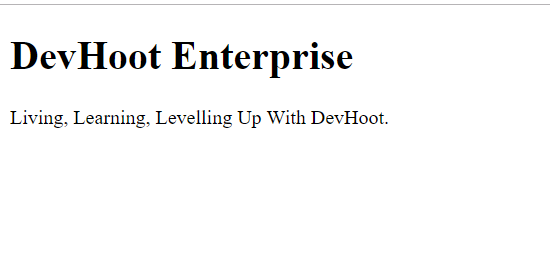
Congrats!!! You just made your first webpage.





Comments